A patient recall system is a structured workflow healthcare practices and health systems use to find patients who are due or overdue for care and have no future appointment booked, then contact them until they book one. Vendors and practices often use “recall” to cover reminders and reactivation as well, so this post separates the three, walks through the recall process, and covers what patient recall software adds when the front desk can no longer keep up with the list by hand.
What a patient recall system does, and what reminders and reactivation do instead
Recall, reminders, and reactivation are three different outreach lists, each aimed at a different group of patients. Many practice management systems bundle all three into one module, which is why staff and vendors use the names interchangeably.
Recall reaches patients who are due for care without a scheduled appointment. A patient finished a colonoscopy three years ago and is due for a follow up visit, or a patient with diabetes has not had an A1c in six months. Nothing is on the schedule, so no reminder would ever be sent. The recall system tracks these patients and contacts them so they book their next appointment.
Appointment reminders confirm appointments that are already booked. Automated patient reminders go out a few days before the visit to remind patients and let them confirm, reschedule, or cancel. Reminders do nothing for a patient who never booked.
Patient reactivation targets existing patients who have not visited in a long time, often 18 months or more, and may no longer think of your practice or health system as their provider. Reactivation messaging reintroduces the organization, names the care the patient is overdue for, and invites them to book their next visit.
Patient recall software and patient reactivation software are usually the same product handling both lists, but the two messages read differently. A recall message can simply say what is due, while a reactivation message has to reintroduce the practice before it can bring patients back.
Why patient recall improves health outcomes and patient retention
Preventive care includes routine check-ups, screenings, and vaccinations at fixed intervals. Chronic disease management requires regular patient monitoring between flare-ups and emergency visits. In both cases the visit is due on a date, no appointment exists yet, and the patient has to remember on their own. A recall message is what reminds them.
A 2018 Cochrane review covering 55 randomized trials and more than 138,000 participants found that patient reminder and recall interventions raised immunization rates by an average of 8 percentage points, with telephone, autodialer, letter, and text message outreach all producing gains. The review covered immunizations only.
Patients who complete follow up care and preventive care have better health outcomes. Patient retention depends on patients coming back on schedule, and continuity of care with the same providers depends on the same thing. Every recall appointment that is booked fills a slot that would otherwise have stayed empty, so more patients are seen during the same provider hours, and the practice earns increased revenue without adding providers.
Tracking recall metrics also helps medical practices and health systems meet care benchmarks. Quality programs such as HEDIS and Medicare Advantage Star Ratings score screening and chronic care completion rates. The recall list is the record of who still has to be reached to hit them.
The recall process, step by step
The recall process is the same whether a scheduler works it by hand or software does it automatically.
- Build the recall list. For most practices the list comes from the EHR systems or practice management systems they use every day. It is made up of patients who are due for a specific service, identified by appointment type, procedure codes, diagnosis, and visit history, and who have no future appointments on the schedule.
- Set the interval by appointment type. An annual wellness visit is due at twelve months. A dermatology skin check might be six or twelve. Follow up appointments after a procedure might be due in two weeks. In specialty practices and multi specialty practices, each provider may set a different interval, so one organization-wide rule does not work.
- Choose the channels. Text reminders, email, and phone calls each reach different patients, so most patient communication for recall uses more than one. Some patients respond only to a call.
- Write the recall messages. The message names what is due, why it is due now, and how to book. Personalized messages pull the service and the provider’s name from patient information and visit history. A generic notice that says only “you are due for a visit” is easy to ignore. Relevant messages name the service and the provider.
- Follow up. Follow ups go out on a set cadence, typically two or three recall reminders across a few weeks, and stop the moment the patient books.
- Track the results. Contact rate, booking rate, and completed visits, broken out by service, tell you which recall messages are working and which lists are out of date.
Where manual recall breaks down at the front desk
When one scheduler owns recall, the work happens in bursts. Every month or so, someone pulls the list, makes phone calls between check-ins, and leaves voicemails. The list is accurate on the day it is pulled and drifts afterward as patients book on their own, move, or change insurance.
As the list lengthens, the scheduler falls behind. A few dozen calls a week cannot keep up with a list of patients overdue for care that adds new names after every visit. Patients are contacted when staff have time, which is rarely when the patient is ready to book. And each scheduler writes recall messages a little differently, follow ups depend on who remembers, and nobody has a reliable count of how many patients were reached.
Missed appointments and no shows add to the backlog. A patient who is recalled, books, and then does not show has to be recalled again, and the slot stays empty a second time. Reducing no shows is part of recall, which is why reminders and recall usually share a tool.
What patient recall software adds
Patient recall automation takes the six steps above and performs them continuously instead of in bursts. Automated patient recall software pulls the recall list from the EHR on a schedule, contacts overdue patients automatically via text, email, or phone, escalates from one channel to the next when a patient does not respond, and stops as soon as the patient books.
Patient recall software helps in five specific ways:
- Personalization at scale. Automated recall systems send personalized messages based on patient history, naming the service, the provider, and the reason it is due. The same message a scheduler would write once goes to every patient who is due for the same service at the same interval.
- Booking inside the message. Patients book appointments online from a link in the text or email, so neither the patient nor the front desk has to make a call. Without online scheduling, every recall message ends in a phone call.
- Integration depth. Fully integrated patient recall messaging software reads appointment type, procedure codes, and visit history directly from your EHR systems and adds the booking to the schedule in your EHR, so the recall list stays current without exports. Lighter tools work from a spreadsheet upload and go stale between uploads.
- Two-way replies. When a patient replies with a question or asks to be called, the system routes the reply to a person instead of leaving it in a shared inbox.
- Reporting. Contact, booking, and completion rates by service and by channel. These numbers show whether you are meeting care benchmarks and which lists to work first.
Many patient engagement platform products promise to improve engagement across the board by bundling recall with appointment reminders, reputation management (review requests), and birthday messages. The bundle is convenient, but if recall is the reason you are buying, test the recall and reactivation features first.
How to evaluate the best patient recall software for your organization
The best patient recall software for your practice or health system depends on how your recall list is built and how your patients prefer to be reached. The questions below separate tools that handle recall end to end from tools that send a message and stop.
- Does the system build the recall list from your EHR, or does the front desk upload one? How often does it refresh?
- Can intervals be set per appointment type, per provider, and per location, or only one rule for the whole organization?
- What happens when a patient replies? Can the system answer a scheduling question, reschedule, or hand off to a person, or does the reply go to an inbox?
- Does a patient book from inside the message, and does the booking show up on your schedule without someone re-entering it?
- Does the same system handle recall, reactivation messaging, and automated reminders, so a recalled patient is also reminded and no shows are tracked against the same record?
- Does reporting show completed visits and patient satisfaction, so you can tell whether the tool helped improve patient retention, or only messages sent?
- Is booking hassle free for the patient, or does the message require a portal login or a callback during clinic hours?
meet mila
DexCare knows.
Mila Talks.
An AI care coordinator built on your data, guiding patients from first outreach to follow-up without adding headcount.
Reminders are part of the evaluation because recall only pays off when the recalled patient shows up. A meta-analysis in BMJ Open covering 21 randomized trials found that patients who received digital notifications were 25 percent less likely to miss an appointment, with the no-show rate falling from 21 percent to 15 percent, and that multiple notifications outperformed a single one. A 2022 rapid review in JAMIA put the global average no-show rate at 23 percent. A recall system that books the visit and then reminds the patient covers both problems, the visit that was never booked and the visit that was booked and then missed.
Where DexCare’s AI agent fits
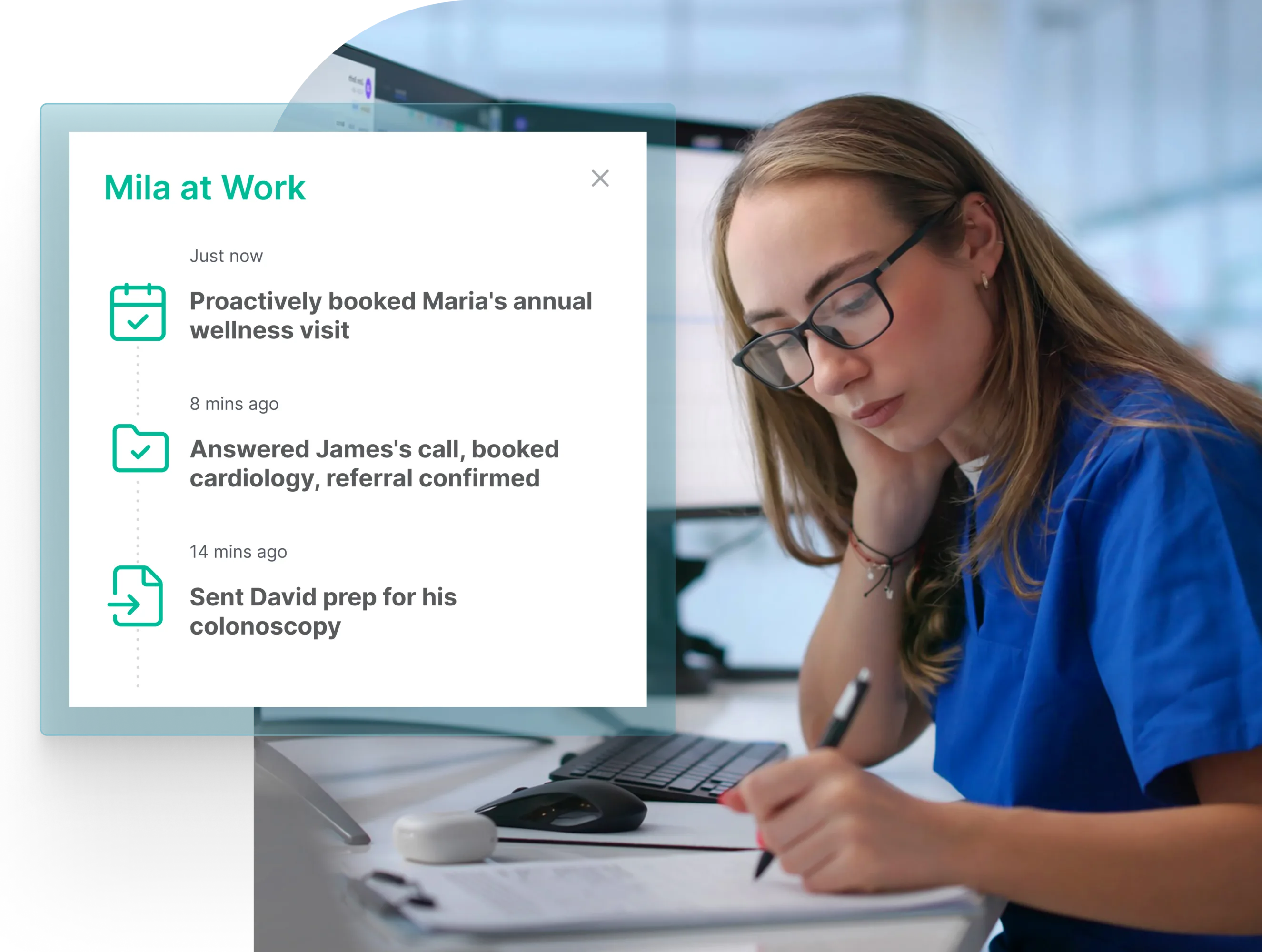
Mila, DexCare’s AI agent, handles patient recall as a two-way conversation. Mila identifies patients who are due for care, reaches out by phone, text, or web, answers questions, books the appointment directly into the schedule, and follows up until the visit is completed, following conversation paths your clinical and scheduling teams have approved. Because Mila remembers every prior conversation with a patient, whether the patient called in or Mila reached out, a patient who replies to a recall message with a question receives an answer in the same thread.
Learn more about Mila or request a demo to see how recall works for your practice or health system. For the rest of the outreach picture, read our guides to care gap closure and filling cancelled appointments.